


Working from home sounds simple until you realize your environment either fuels your focus or quietly drains it. A thoughtfully designed desk setup doesn’t just look good—it shapes your behavior, energy, and output. The difference between a sluggish workday and a highly productive one often comes down to how your workspace is structured.
This guide explores nine remote work desk setups designed to elevate productivity in real, practical ways. Each setup reflects a different working style, personality, and constraint—whether you have a full home office or just a corner of your room.
The goal isn’t perfection. It’s alignment—between your tasks, your tools, and your environment.
The minimalist focus desk
Some people thrive in simplicity. If visual clutter distracts you, a minimalist desk setup can sharpen your concentration dramatically.
This setup includes only the essentials:
- A clean desk surface
- A laptop or monitor
- A comfortable chair
- A small desk lamp
- One personal item (optional)
The power of this setup lies in removing friction. With fewer objects competing for attention, your brain spends less energy filtering distractions.
Key features:
- Neutral colors (white, beige, light wood)
- Hidden storage (drawers or organizers)
- Cable management to reduce visual noise
Benefits:
- Faster task initiation
- Reduced mental fatigue
- Improved deep work sessions
Minimalism isn’t about owning less—it’s about eliminating what doesn’t serve your workflow.
The ergonomic powerhouse setup
If you spend long hours at your desk, comfort becomes non-negotiable. An ergonomic setup prevents strain and keeps your energy steady throughout the day.
Core elements:
- Adjustable chair with lumbar support
- Monitor at eye level
- External keyboard and mouse
- Footrest (optional but helpful)
Proper alignment matters:
- Elbows at 90 degrees
- Screen at or slightly below eye level
- Feet flat on the ground
Ergonomic impact table:
| Element | Poor Setup Result | Ergonomic Setup Benefit |
|---|---|---|
| Chair | Back pain | Spine support |
| Monitor height | Neck strain | Neutral posture |
| Keyboard position | Wrist discomfort | Reduced repetitive stress |
| Desk height | Shoulder tension | Relaxed upper body |
This setup doesn’t just protect your body—it protects your productivity over time.
The dual-monitor command center
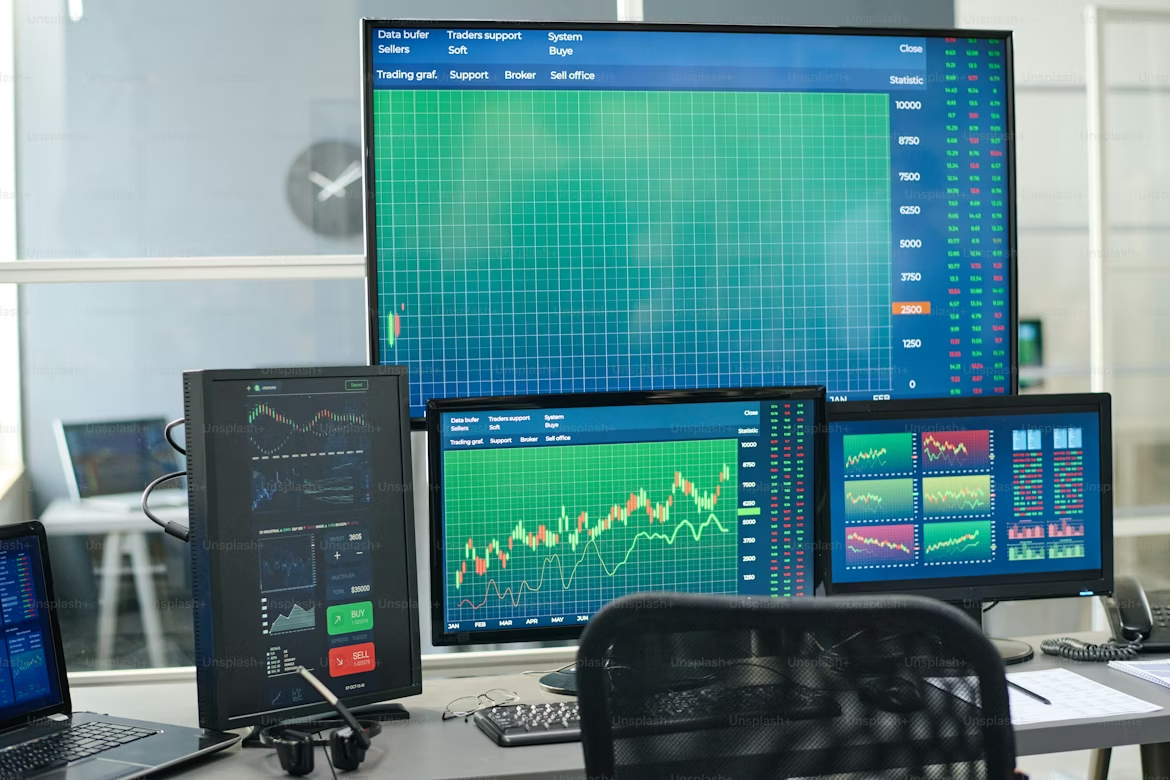
For multitaskers and analytical thinkers, screen space equals efficiency. A dual-monitor setup reduces the constant switching between tabs and windows.
Ideal for:
- Developers
- Designers
- Data analysts
- Writers managing research
Typical layout:
- Main monitor for active work
- Secondary monitor for reference material
Advantages:
- Faster workflow navigation
- Better comparison of documents
- Improved multitasking without chaos
However, discipline matters. Without clear boundaries, more screens can lead to more distractions. Keep one screen strictly for work.
The nature-inspired calm desk
Not all productivity comes from intensity. Sometimes, calmness leads to better focus.
This setup incorporates natural elements:
- Indoor plants
- Natural light
- Wooden textures
- Soft color palette
Why it works:
Nature has a measurable calming effect on the brain. It reduces stress and helps maintain steady attention levels.
Simple additions:
- A small plant like a snake plant or pothos
- A window-facing desk
- Warm lighting instead of harsh white bulbs
Psychological benefits table:
| Element | Effect on Mind |
|---|---|
| Green plants | Reduced stress levels |
| Natural light | Improved mood and alertness |
| Earth tones | Mental grounding |
This setup is ideal if you feel overwhelmed or easily burned out.
The compact small-space setup
Not everyone has a dedicated office—and that’s fine. A compact setup can still be powerful if designed intentionally.
Key strategies:
- Use vertical space (shelves, wall organizers)
- Foldable or corner desks
- Multi-functional furniture
Example layout:
- Laptop stand on a small desk
- Wall-mounted storage above
- Portable lighting
Space optimization chart:
| Constraint | Smart Solution |
|---|---|
| Limited desk area | Use monitor/laptop stand |
| No storage | Wall shelves |
| Shared space | Foldable desk |
The trick is to create a defined “work zone,” even in a small area. This helps your brain switch into work mode quickly.
The creative studio desk

If your work involves ideation, design, or content creation, your desk should stimulate creativity—not restrict it.
Elements include:
- Sketchpads or notebooks
- Colorful accessories
- Inspiration boards or pinboards
- Flexible lighting
Unlike minimalist setups, this one embraces controlled clutter—items that spark ideas rather than distract.
Creative stimulation table:
| Item | Purpose |
|---|---|
| Mood board | Visual inspiration |
| Sticky notes | Quick idea capture |
| Colored pens | Brainstorming flexibility |
| Open notebooks | Encourages free thinking |
This setup works best when organized loosely—structured chaos can be surprisingly productive.
The tech-optimized smart desk
For those who love efficiency through technology, a smart desk setup integrates tools that automate and streamline tasks.
Features may include:
- Smart lighting systems
- Wireless charging pads
- Noise-canceling headphones
- Docking stations
Benefits:
- Reduced setup time
- Seamless transitions between tasks
- Enhanced focus through controlled environment
Technology integration chart:
| Tool | Productivity Boost |
|---|---|
| Smart lighting | Adjusts mood and focus |
| Docking station | Faster device connections |
| Wireless charger | Eliminates cable clutter |
| Noise-canceling gear | Minimizes distractions |
The key is intentional use. Too many gadgets can overwhelm rather than help.
The time-blocking productivity desk
This setup is designed around structure and discipline. It supports methods like time-blocking, Pomodoro, or deep work cycles.
Essential tools:
- Physical planner or digital calendar
- Timer or clock
- Task board (whiteboard or digital)
Layout idea:
- Planner on one side
- Work device centered
- Timer visible
Time management table:
| Method | Desk Support Element |
|---|---|
| Pomodoro | Timer |
| Time-blocking | Planner/calendar |
| Task batching | Task board |
This setup works best if you struggle with procrastination or lack of structure.
The hybrid comfort-work desk
Sometimes productivity comes from balance—not strict discipline. This setup blends comfort with functionality.
Features:
- Comfortable chair or even a cushioned seating option
- Soft lighting
- Personal items like photos or decor
It’s less rigid and more inviting, making long hours feel less draining.
Balance factors table:
| Comfort Element | Productivity Effect |
|---|---|
| Soft lighting | Reduces eye strain |
| Personal decor | Emotional comfort |
| Relaxed seating | Longer work endurance |
This setup is ideal for creative professionals or those who dislike overly rigid environments.
How to choose the right setup
Not every setup will work for you. The best one depends on:
- Your type of work
- Your personality
- Your available space
- Your daily habits
Decision matrix:
| Work Style | Recommended Setup |
|---|---|
| Deep focus | Minimalist desk |
| Long hours | Ergonomic setup |
| Multitasking | Dual-monitor setup |
| Stress-prone | Nature-inspired setup |
| Small space | Compact setup |
| Creative work | Creative studio desk |
| Tech-driven | Smart desk |
| Structured work | Time-blocking desk |
| Balanced approach | Hybrid comfort desk |
The most effective desks evolve over time. Start simple, then refine based on what actually improves your workflow.
Common mistakes to avoid
Even the best setup can fail if certain mistakes creep in:
- Overloading your desk with unnecessary items
- Ignoring posture and ergonomics
- Poor lighting conditions
- Mixing work and relaxation zones
- Not adjusting setup as your work changes
Small inefficiencies add up. A slight discomfort repeated daily becomes a major productivity drain.
FAQs
- How much should I spend on a desk setup?
You don’t need a large budget. Start with essentials like a good chair and proper lighting. Upgrade gradually based on your needs.
- Is a standing desk necessary for productivity?
Not necessary, but helpful for some people. Alternating between sitting and standing can improve energy levels and reduce fatigue.
- Can I stay productive without a dedicated office?
Yes. Even a small, well-defined workspace can be highly effective if it’s consistent and distraction-free.
- How often should I change my desk setup?
Only when something isn’t working. Frequent changes can disrupt routines, but small improvements over time are beneficial.
- What lighting is best for a work desk?
Natural light is ideal. If that’s not possible, use warm, adjustable lighting that reduces glare and eye strain.
- Does desk aesthetics really matter?
Yes, but only to a point. A visually pleasing setup can boost mood, but function should always come first.