

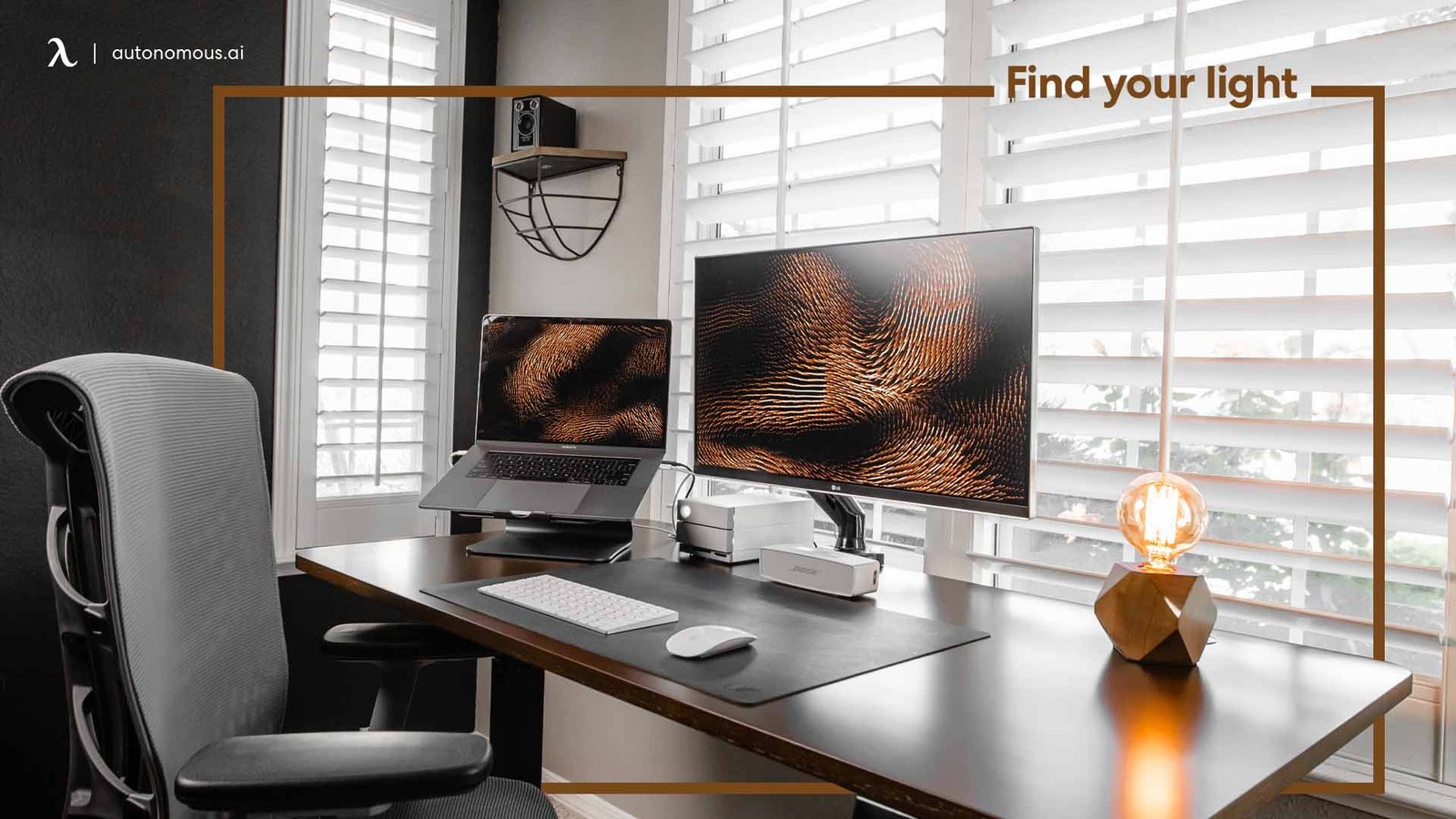
Waking up, making coffee, and sitting down to work from home sounds ideal until the day drags on with distractions, poor posture, or a setup that just doesn’t flow. I’ve been through it—starting with a laptop on the kitchen table, then slowly building something better without overcomplicating things. The goal isn’t a magazine-perfect office; it’s a space that lets you hit the ground running and stay in the zone for hours. These nine setups focus on speed: things you can implement in a day or two, using mostly what you have or cheap additions, all aimed at making your workdays sharper and less exhausting.
Productivity in a home office comes down to flow—minimizing friction so your brain doesn’t waste energy on small annoyances. Cluttered desks force constant mental resets; bad lighting strains eyes; tangled cables interrupt focus. Good setups fix those quietly. They encourage movement, better ergonomics, and quick task switches. I’ve tested variations of these over years of remote work, and the ones here are the fastest to pay off.
Let’s get into them. Each one includes why it helps, step-by-step setup, and real tweaks that make a difference.
Setup 1: The Clean Single-Screen Command Center
Clear the desk completely except for one large monitor (or laptop on a stand), wireless keyboard, mouse, and maybe a small notepad. No extra gadgets, no papers unless they’re in a slim tray.
Position the screen so the top is at eye level—use a stack of books or a box if needed. Connect everything via a single hub or dock so one cable handles power and data. Desk surface stays empty besides peripherals.
This setup cuts visual noise immediately. With everything visible at once—no alt-tabbing chaos—decisions speed up. I switched during a heavy project week and finished tasks 20-30% faster because my eyes weren’t darting around. Add a matte screen protector if glare hits. For calls, angle the webcam at eye level. Total time: under an hour if cables are sorted.
The magic is subtraction. Busy days feel calmer when the desk doesn’t fight you.
Setup 2: The Adjustable Height Standing Switch
An adjustable desk (or converter on your current one) lets you stand for calls or light work and sit for typing. Keep the top minimal: monitor arm-mounted, keyboard tray or just wireless set, mouse pad.
Set standing height so elbows are at 90 degrees; sitting the same. Add an anti-fatigue mat (or thick rug) for feet. Switch every 45-60 minutes—use a phone timer.
Energy stays higher without the post-lunch slump. Standing boosts circulation; sitting gives focus for detail work. Setup takes a weekend if buying, or minutes if using a converter. Pair with a footrest box when sitting. In my experience, afternoons became more productive—no more fighting drowsiness.

Setup 3: The Fold-Up Wall Desk for Instant Boundaries
Mount a fold-down desk to the wall—when closed, it’s flat; when open, a full workspace. Inside, add a small shelf or hooks for essentials.
Drop it down in the morning, fold up at end of day. Laptop, small monitor clip-on, wireless peripherals. Neutral finish blends with room.
This creates mental separation—work ends when folded. Great for small apartments or shared spaces. No lingering reminders of unfinished tasks. Setup: anchors and screws, couple hours max. Add LED strip inside for light. Productivity rises because the space resets daily.
Setup 4: The Cable-Free Zone with Smart Routing
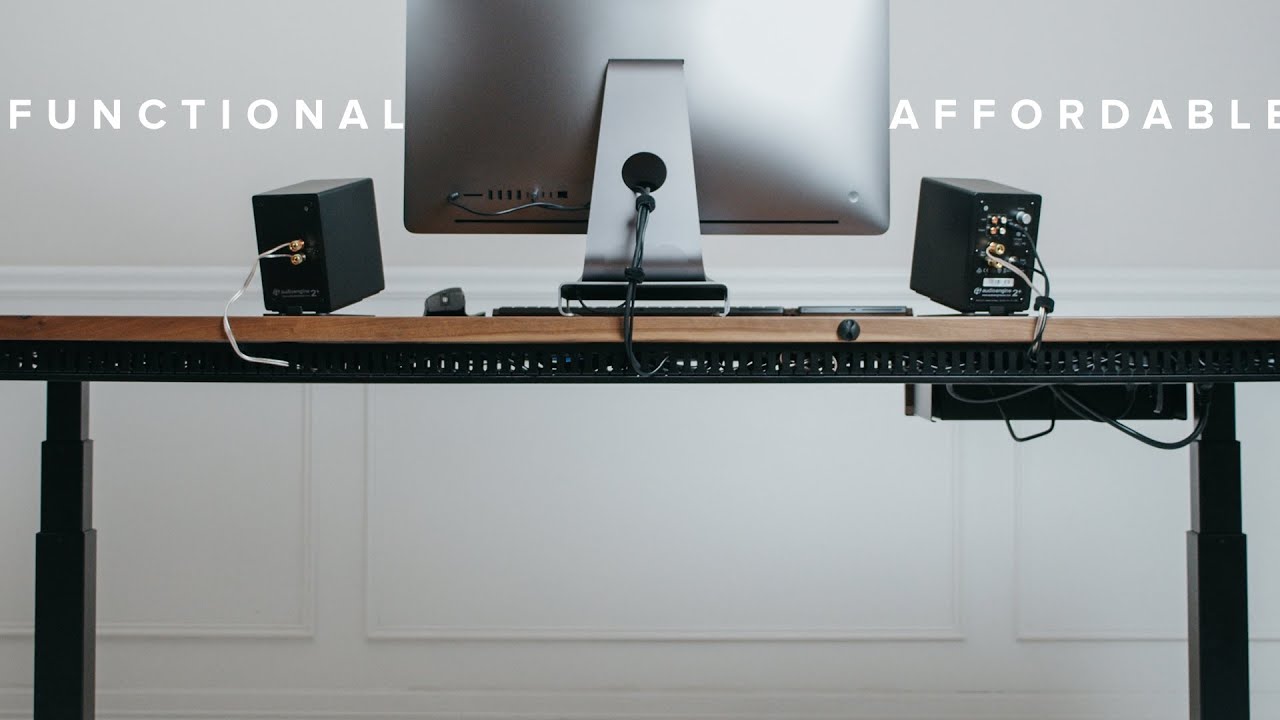
Hide cables under desk with clips, sleeves, or trays. Use a power strip mounted underneath, route everything through one hole or along legs. Wireless where possible.
Desk looks clean; no yanking wrong plugs. Frustration drops, start-up time shrinks. Takes 20-30 minutes with zip ties and command hooks. Label ends for quick fixes.
This small change keeps momentum—nothing breaks flow like a disconnected mouse mid-sentence.
Setup 5: The Natural Light Biophilic Boost
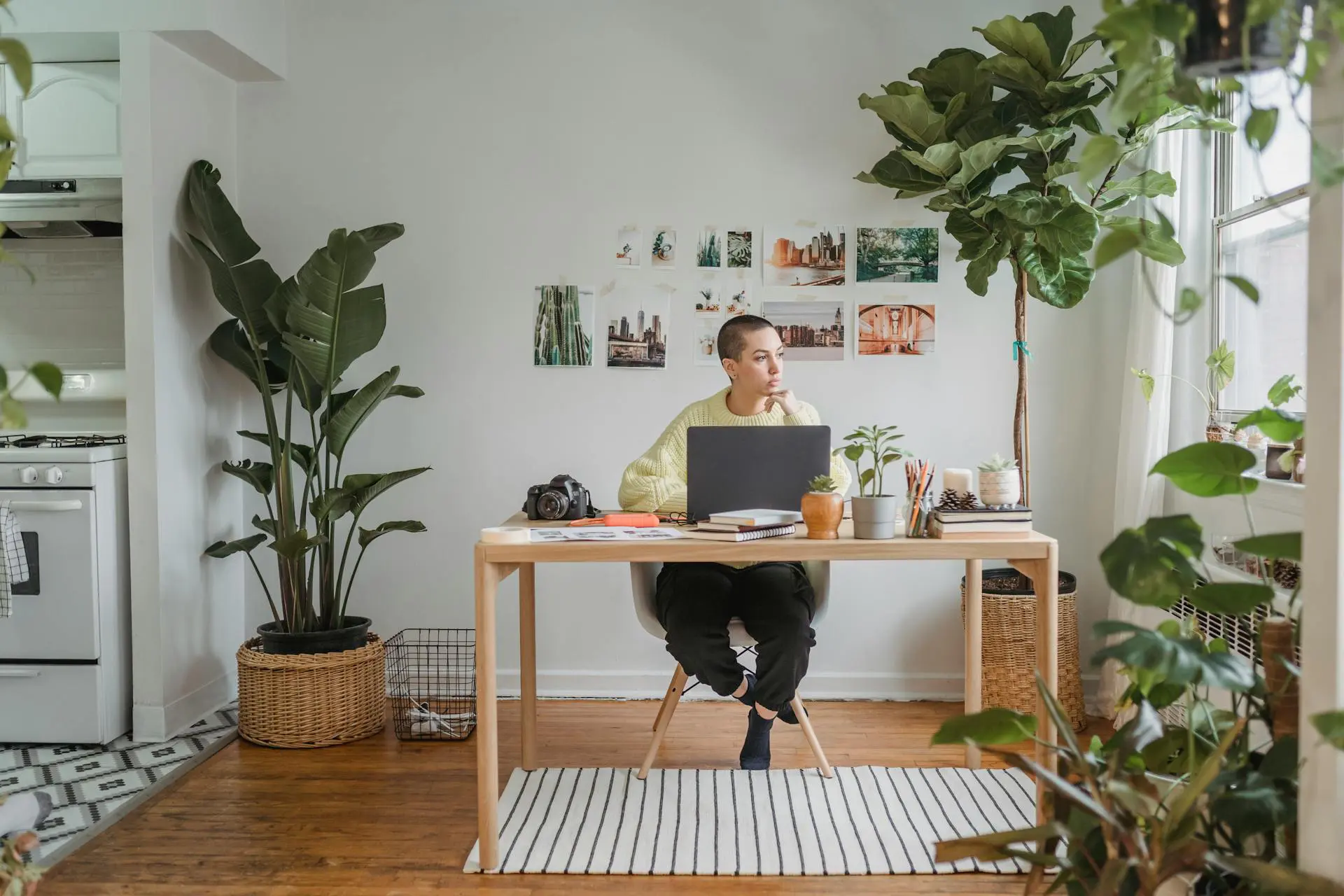
Position desk near a window for daylight. Add 2-3 low-maintenance plants (snake plant, pothos) on desk or shelves. Use sheer curtains to diffuse harsh sun.
Natural light regulates energy; plants improve air and mood subtly. Eye strain lessens with balanced light. Setup: move desk, buy plants if needed. Water weekly. Combine with mirror opposite window to bounce light.
Work feels less confined—longer focus periods without artificial fatigue.
Setup 6: The Dual-Monitor Efficiency Layer
Two monitors side-by-side: one main, one secondary for references, email, Slack. Arm-mounted to save space. Laptop closed or as third if needed.
No more window switching—info stays visible. Multitasking speeds up for research or management roles. Setup: arms and cables, hour or two. Match sizes/colors for seamlessness.
I doubled output on report days with this—eyes scan instead of hunt.

Setup 7: The Ergonomic Chair and Posture Fix
Invest in (or adjust) a supportive chair with lumbar. Add footrest, wrist rest if typing heavy. Monitor at eye level, elbows 90 degrees.
No more back pain mid-afternoon. Comfort sustains longer sessions. Quick fixes: rolled towel for lumbar, box for feet. Test posture with mirror.
Small investment, huge daily return.
Setup 8: The Acoustic Focus Bubble
Add a rug under desk, hang blanket or panel on wall behind for sound absorption. Noise-cancelling headphones ready.
Reduces background noise—better calls, deeper concentration. Setup fast: rug down, blanket up with hooks. Add white noise app if needed.
Quiet space tricks brain into focus mode faster.
Setup 9: The Quick-Ritual Morning Launchpad
Prep night before: desk cleared, coffee mug ready, to-do list open on screen. Morning: open laptop, start with one easy task.
Builds momentum instantly. No decision paralysis. Add plant mist or quick stretch. Routine compounds—days start strong.
These setups aren’t flashy, but they’re fast and effective. Pick one or two, implement today. Your workdays improve when the environment helps instead of hinders. Stay consistent, adjust as needed. Productive days become the norm.






