

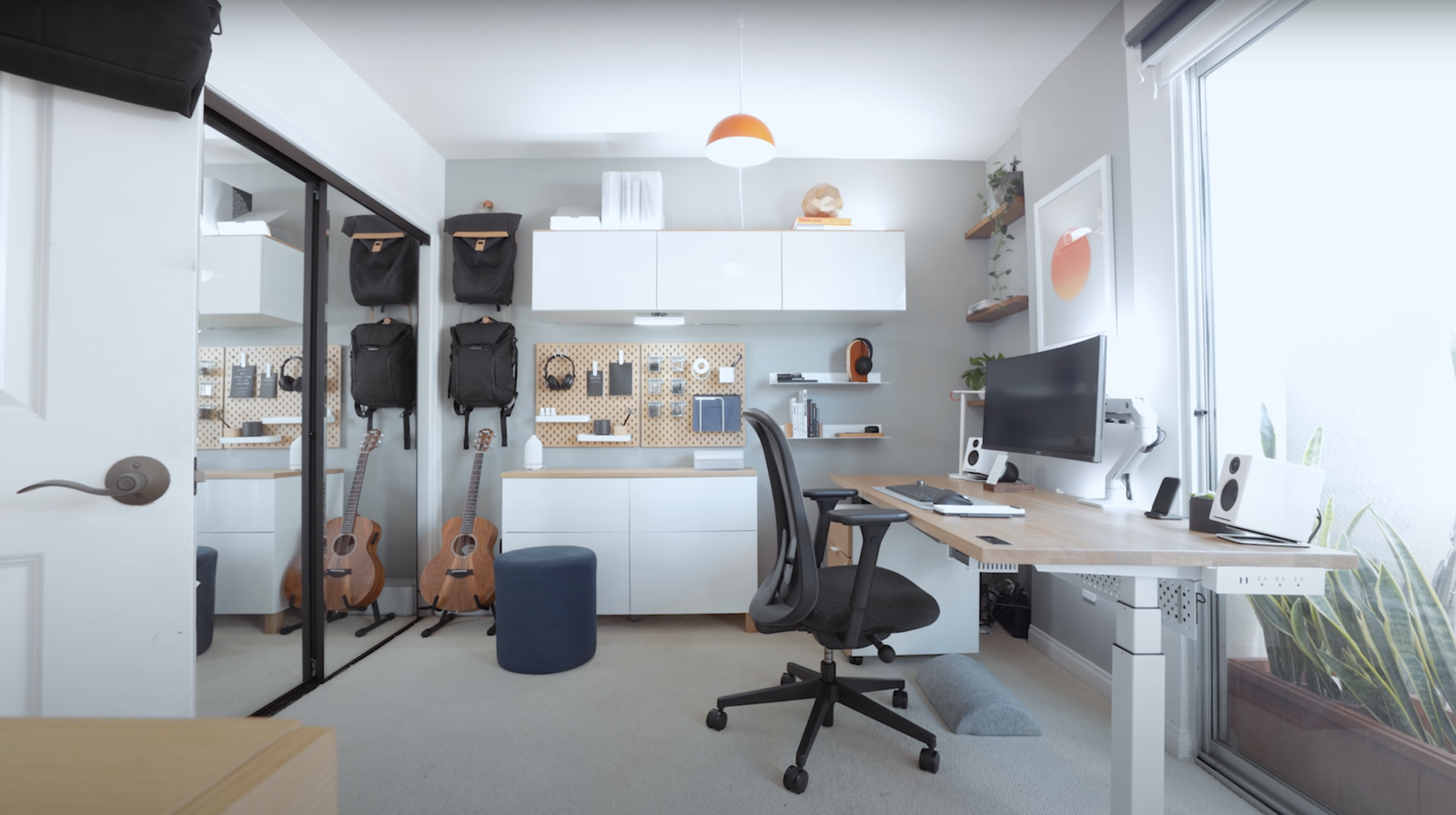
Being a busy professional means your days are packed—meetings back-to-back, emails that never stop, deadlines breathing down your neck. The last thing you need is a home office that slows you down with clutter, bad ergonomics, or constant distractions. That’s where minimalist setups shine. They strip everything back to what’s truly necessary, letting your mind stay sharp and your workflow smooth. No fancy gadgets or over-the-top decor—just efficient, clean spaces that get out of your way so you can get work done.
I’ve put together eight fast setups that focus on speed of implementation and real productivity gains. These aren’t month-long renovation projects; most can be pulled together in a weekend or less, using items you might already have or can grab affordably. They’re designed for people who don’t have hours to tinker—think consultants, remote managers, freelancers juggling clients, or anyone whose job demands quick switches between tasks. The common thread? Less visual noise equals faster focus. Studies keep showing that clutter competes for attention, so paring down isn’t aesthetic—it’s practical.
Before diving in, a quick reality check: minimalist doesn’t mean sterile or uncomfortable. It means intentional. You keep what boosts output and ditch what drags it. Neutral tones help, but a touch of warmth (a plant, a wooden accent) prevents it from feeling cold. Ergonomics stay front and center because no setup wins if your back hurts after two hours. And since time is short, these prioritize quick wins over perfection.
Setup 1: The Single-Screen Essentials Station
Start simple: one large monitor, one laptop (or none), wireless peripherals, and nothing else on the desk surface. This is the fastest to set up—clear everything off, keep only the monitor on a stand or arm, keyboard, mouse, and perhaps a small notepad. Cable management? Just a few clips or a sleeve under the desk.
Why it works fast for busy pros: No hunting for windows or alt-tabbing endlessly. A 27-34 inch monitor gives plenty of real estate for email, docs, Slack, and calendars side-by-side. Productivity jumps because decisions shrink—everything’s visible. I switched to this during a crunch period and shaved minutes off every task switch. Add a wireless charger pad if your phone’s always dying mid-call.
Implementation in under an hour: Position the monitor at eye level (use books if no stand yet), connect via USB-C hub for one-cable docking. Desk stays white or light wood—reflects light, feels bigger. Add one small desk lamp with adjustable arm for task lighting without clutter. Skip RGB; go for soft white LEDs. For sound, clip-on speakers or a single Bluetooth one tucked behind the monitor. This setup forces ruthless prioritization—you only keep what’s mission-critical.
Potential tweak: If dual screens tempt you, resist unless your role demands it. Extra screens often fragment attention more than they help. Busy execs I’ve talked to swear by single-screen minimalism for deep work blocks.
Setup 2: The Standing Desk Core
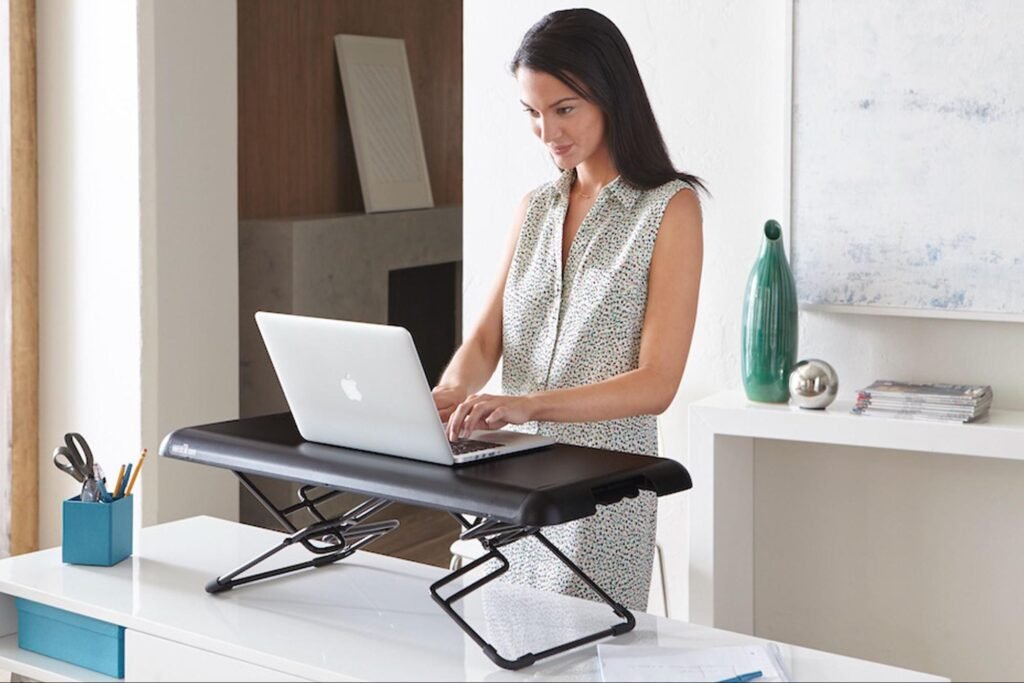
Grab an adjustable standing desk (electric if budget allows, manual crank otherwise) and build around it. Keep the top bare except for monitor arm, keyboard tray (or just wireless keyboard), and mouse. No drawers attached—use a rolling cart nearby if needed.
Busy professionals love this because switching postures fights afternoon slumps. Standing for calls or light work keeps energy up; sit for focused typing. Setup time: assemble in 30-60 minutes, then adjust height to elbow level standing, slightly below when seated. Add an anti-fatigue mat for comfort.
Why productivity soars: Movement boosts circulation and alertness. Pair with a timer app to remind you to switch every 45-60 minutes. Desk surface in light oak or white laminate keeps it clean visually. One plant on the corner adds life without mess. Cable routing through grommets or under-desk tray hides everything. This setup feels dynamic—perfect for high-energy days with back-to-back Zooms.
Quick hack: If full standing desk is too much initially, use a converter on your existing desk. Still minimalist, still fast.
Setup 3: The Wall-Mounted Fold-Down Pivot
For tiny apartments or shared spaces, mount a folding desk to the wall. When not in use, it flips up, freeing the room. Inside the fold, add shallow compartments for notebook, pens, charger.
Setup speed: Drill or use heavy-duty anchors, mount in under two hours. Choose one with built-in power strip for instant plug-in. Desk drops down to standard height, often with gas struts for smooth operation.
For busy folks: Instant boundary creation—work mode when down, home mode when up. No lingering work visual cues to stress you out after hours. Keep only laptop, external monitor clip-on if needed, wireless peripherals. Neutral finish blends with walls. Add a small LED strip inside for when open.
This one’s sneaky productive because it forces short, intense sessions. No sprawling setup means you dive in and out efficiently. Great for consultants who work in bursts between client calls.
Setup 4: The Neutral Zone with Biophilic Touch
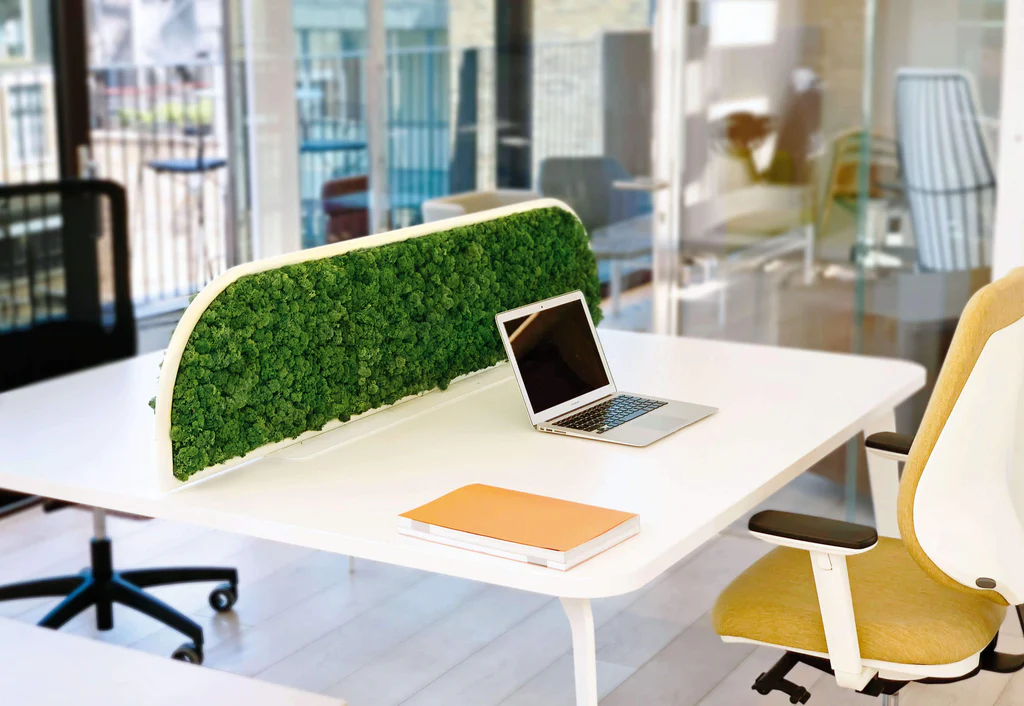
Paint or keep walls neutral (soft gray, warm white), desk light wood or matte white. Add one or two small plants—snake plant or pothos—for air purification and subtle calm. No more than that.
Fast to achieve: Repaint if needed (one weekend), position plants near window or under grow light. Desk holds laptop on stand, single monitor, minimal accessories.
Why it helps busy pros: Natural elements reduce stress subtly. Research links plants to lower cortisol, better concentration. Neutral palette minimizes visual fatigue during long screen time. Keep accessories matte black or wood tones for cohesion. One ergonomic chair in neutral fabric. This setup feels serene, letting your brain process info without overload.
Personal note: I added a fiddle-leaf fig once—too big, too distracting. Stick to small, low-maintenance ones.
Setup 5: The Hub-and-Dock Minimal Tech Stack
Centralize with a USB-C dock or hub. One cable connects laptop to monitor, power, keyboard, mouse, Ethernet. Desk stays ultra-clean—no cable spaghetti.
Setup in minutes: Plug hub under desk or behind monitor. Wireless keyboard/mouse seal the deal. Add vertical monitor arm to free surface.
Productivity edge: Zero setup time each morning—just open laptop, done. Busy managers who hop between devices love this seamlessness. Keep dock hidden; surface has only monitor, plant, small tray for phone. Fast boot to work mode.
Tip: Choose a dock with power delivery so laptop charges too. One less charger on desk.
Setup 6: The Acoustic Calm Corner
Add inexpensive acoustic panels or a rug to dampen echoes. Position desk in quietest spot, face away from doors/windows if possible. Minimal decor—perhaps one framed print with motivational quote.
Fast install: Stick-on panels or lean freestanding ones. Rug under chair cuts foot noise.
For professionals: Noise kills deep focus. This setup creates a bubble for calls or writing. Pair with noise-cancelling headphones for extra. Keep everything soft-textured—fabric chair, wool rug—for sensory calm.
Busy remote workers report fewer interruptions, faster task completion.
Setup 7: The Digital-Only Paper Purge
Go paperless aggressively—scan docs, use cloud notes, digital signatures. Desk has zero papers except one small notebook for quick brain dumps.
Implementation: Set up scanner app on phone, organize folders in drive. Trash old files.
Why fast and effective: No physical shuffling. Busy pros save hours weekly not searching papers. Desk pristine, mind clearer. Add a small wooden tray for the notebook only.
This forces discipline—write once digitally, done.
Setup 8: The Quick-Switch Multi-Zone Lite
Divide space into zones without walls: work desk, small side table for breaks, standing spot. Use rug edges or furniture placement.
Setup quick: Rearrange existing pieces. Desk for main work, side for reading/printing, standing for calls.
Productivity hack: Mental zoning cues task switches without moving far. Busy days flow better—no full resets. Keep each zone minimalist—work zone bare, break zone one comfy chair and lamp.
These eight setups share DNA: speed, simplicity, focus on output. Pick one or mix elements. Start small—clear desk today, add standing tomorrow. Constraints breed creativity; busy pros thrive when environment supports speed, not fights it.






