

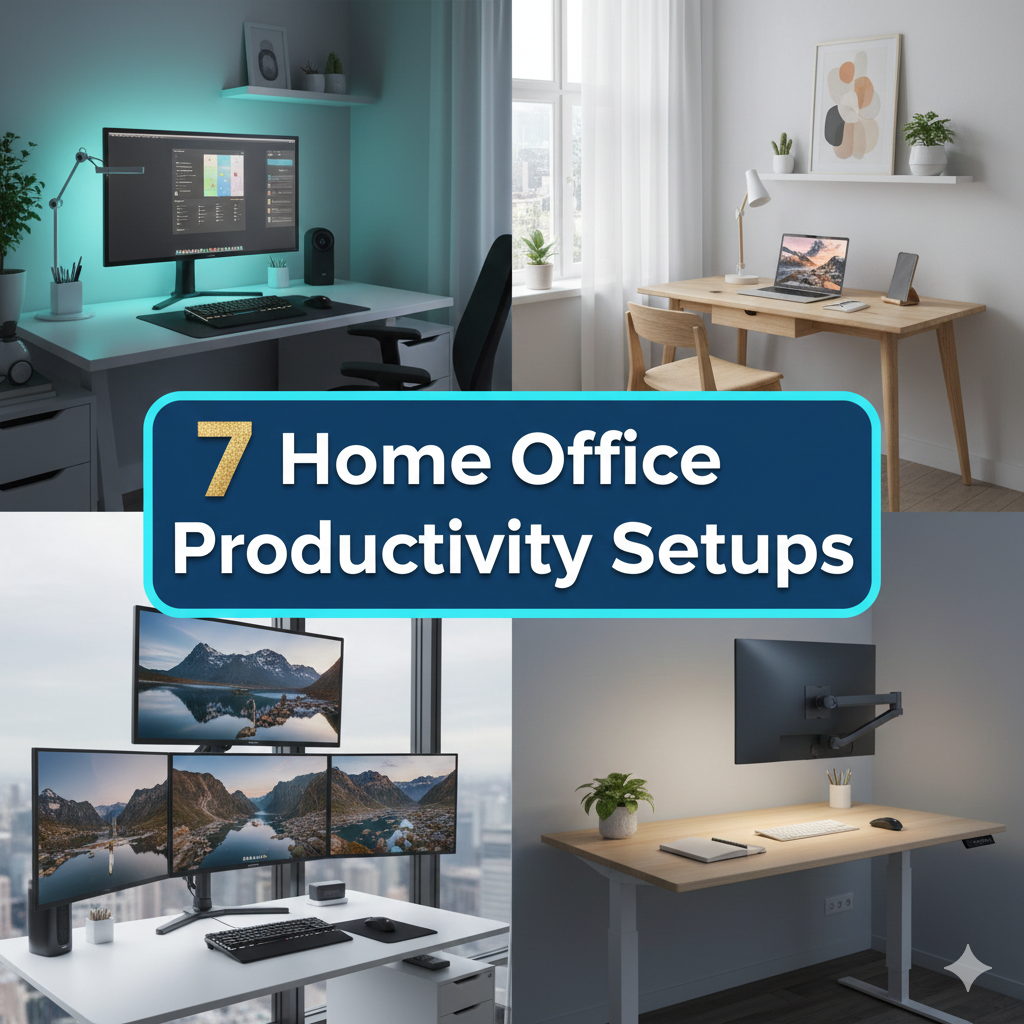
There is a subtle kind of power at a clean desk.
No clutter. No distractions. Everything else falls away — just you, your tools and the work in front of you.
Even more people are working from home than ever before. But working from home and being successful at working from home are very different things. A chaotic, cluttered space slows you down — even when you’re not conscious of it.
This is where minimalist-centric home office productivity setups come into play.
A minimalist workspace does not equate to a boring or empty one. It means intentional. Every object on your desk serves a function. Every tool earns its place. And the result? Clearer thinking, swifter productivity and reduced stress.
In this guide, you’ll find 7 simple home office setups for a quick and easy build. Whether you’re in a tiny apartment, spare bedroom or corner of your living room — there’s a rig here that works for your life.
Let’s get into it.
Why Your Workspace Matters More Than You Realize
But first, let’s talk about why this matters before the setups.
Your environment shapes your focus. For decades, research in environmental psychology has established that the material environment shapes mood, attention and performance. A messy environment generates what scientists refer to as “visual noise” — your mind is absorbing everything it sees, even in the background.
That drains mental energy.
A minimalist home office eliminates that noise. Fewer objects mean fewer decisions. Fewer distractions mean deeper focus. And more focused attention leads to improved, speedier work.
The 7 setups below are built around that notion.
Setup 1: The One-Monitor Command Center
Best for: Writers, coders and remote workers who exist in a single workflow
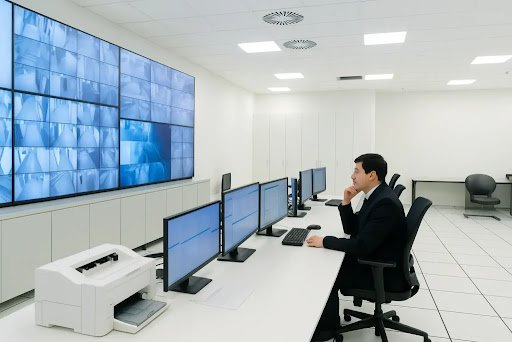
There’s a reason this is the most popular minimalist setup. It strips everything away to a single clean focus point: one big monitor.
What You Need
| Item | Purpose |
|---|---|
| 27–32″ monitor | Primary work display |
| Wireless keyboard & mouse | Less wires on the desktop |
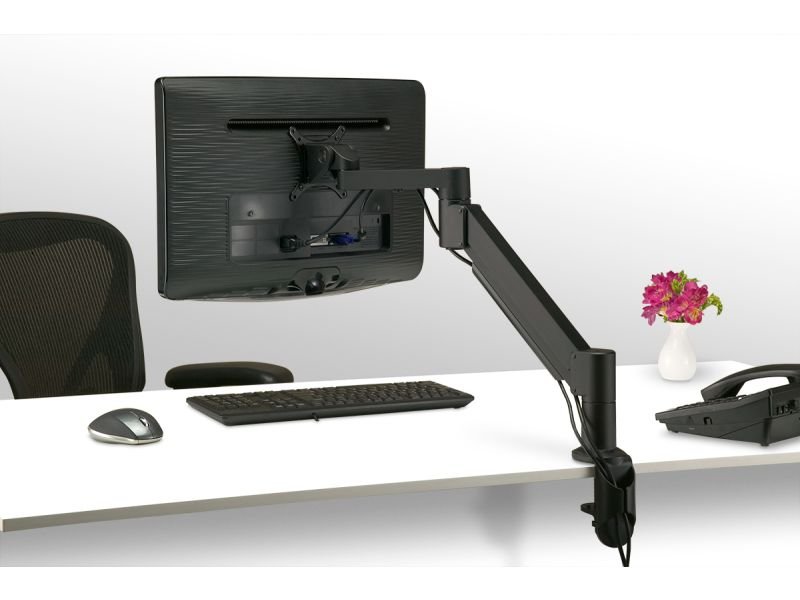
| Monitor arm | Elevates screen off desk |
| Small desk lamp | Focused, warm light |
| Cable management clips | Hides cabling from view |
How to Set It Up Fast
Lift your monitor up on an arm to keep the space below completely free. Use a wireless keyboard and mouse — no cords means no mess. Add one lamp to the side (not behind the screen). Keep only the things necessary on your desk. The rest goes in a drawer.
This arrangement works because it provides your eyes and brain a single place to go.
Pro Tip
Get a monitor with USB-C. It powers up your laptop and connects your display over a single cable. That’s it. One cable. Done.
Setup 2: The Floating Desk Nook
Best for: Those with small spaces, studio apartments or shared living situations
You don’t need an expansive room to work well. A wall-mounted floating desk is a game-changer.
Why It Works
A floating desk has no legs. It mounts directly to the wall. This means:
- More floor space
- A cleaner visual look
- Very easy to install (typically 45 minutes or under)
- Folds up when not in use (if you get a fold-down model)
What to Add
Keep this setup extremely lean. If you want flexibility, mount the desk at standing-desk height. Install a tiny pegboard above it for just a few specific tools — maybe a pen, notepad and headset. That’s your whole setup.
The absence of surrounding storage around a floating desk is intentional. You can’t pile things up. You are compelled to retain only what you must. That limitation forces you to be more focused by design.
For more inspiration on wall-friendly and compact desk arrangements, check out Remote Work Desk Setup — a great resource for building a productive home workspace on any budget.
Desk Nook Essentials
- Floating desk shelf: 24″–36″ wide is ample for a laptop
- Wall pegboard: Displays tools in sight and at hand
- Clip-on task light: Frees up desk space compared to a standard lamp
- Folding chair: Tucks away conveniently at the end of the workday
Setup 3: The Standing Desk Switcher
Best for: Those who get tired sitting all day and want more energy
Spending 8+ hours sitting is rough on both your body and your brain. A height-adjustable standing desk allows you to change positions during the day — and that kind of movement has a real effect on how sharp you feel.
The Science of It (In Very Simple Terms)
When you get on your feet and shift your weight, blood circulates more efficiently to your brain. You feel less foggy. You’re more alert. Research published in the Journal of Physical Activity and Health reported that workers who switched between sitting and standing during the day felt sharper and more energetic than those who sat for eight hours straight.
Minimalist Standing Desk Setup
| Component | Minimalist Choice |
|---|---|
| Desk | Electric sit-stand (single motor is fine) |
| Mat | Anti-fatigue mat (to keep feet comfortable) |
| Monitor | One screen, on an arm |
| Accessories | Only what’s in active use today |
The 30/30 Rule
Vary your position: stand for 30 minutes, sit for 30 minutes. Repeat throughout the day. Set a phone timer if needed. You’re going to feel more awake by afternoon — the time when most people slump from fatigue.
Setup 4: The No-Chair Floor Setup
Best for: Creative thinkers, part-time at-home workers or anyone looking for something completely different
This one surprises people. But low, floor-level workspaces are the norm in Japan, Scandinavia and much of Southeast Asia — and they offer genuine advantages.
How It Works
Use a low Japanese-style table (called a chabudai), or just a lap desk on top of a soft rug. Add a floor cushion or zafu meditation cushion for support. Rest at a comfortable cross-legged or kneeling position.
The result? A serene, grounded sensation that’s difficult to articulate until you experience it.
Is It Actually Productive?
For many people, yes. Changing your posture changes your mental state. It signals that you’re doing intentional, focused work — not casual scrolling. Some people discover that they write better, think more creatively and feel less tense in this position.
It’s not for everyone — but if you’ve never done it, it’s worth a try.
Floor Setup Checklist
- Low desk or sturdy lap desk
- Well-constructed floor cushion with back support
- A laptop or tablet (large displays simply do not work here)
- Natural light source nearby
- Zero clutter — the floor is your “desk surface”
Setup 5: The Dual-Purpose Bookshelf Workspace
Best for: Those who like their workspace to blend into their living space
Not everyone has a room they can dedicate to a home office. This setup turns a bookshelf into the backbone of your entire workspace.
The Concept
Position a desk directly in front of or next to a tall bookshelf. Use the shelves only for work-related items — kept neat and organized. The bookshelf becomes your background, your storage and your visual identity all at once.
Organization System for the Shelves
Break your shelves into zones:
Top shelf: Reference books, seldom-used items Middle shelf: Active projects, notebooks, tools you use week to week Bottom shelf: Chargers, cables and office supplies in boxes
Keep the desk surface itself clear. The shelf does the storing. The desk does the thinking.
Visual Calm = Mental Calm
The secret to making this work is color coordination on the shelves. Group items by color or size. Contain small items with matching boxes or bins. When things look organized, your brain feels organized too.
Setup 6: The Tech-Minimalist Laptop Setup
Best for: People who travel a lot, work from different places or prefer ultra-light setups
Sometimes the best home office productivity setup is the simplest one — a great laptop, a good pair of headphones and nothing more.
Why Less Tech = More Focus
Each additional piece of technology is a potential distraction or a maintenance chore. More devices, more applications, more alerts. The tech-minimalist setup says: no thanks.
Here’s the core:
| Tool | Choice |
|---|---|
| Laptop | Any recent laptop with 12+ hours battery |
| Headphones | Noise-canceling, wireless |
| Laptop stand | Raises screen to eye level |
| Portable keyboard | Ergonomic, foldable |
| Blue light glasses | Optional, reduces eye strain |
The Single-App Focus Method
Pair this setup with a strict app rule: one app open at a time. Close your email. Close your browser tabs. Open only the tool you currently need.
This isn’t about willpower. It’s about taking the option of distraction away. When there’s nothing else to click, you do the work.
Setup 7: The Morning Light Workspace
Best for: Early risers, creative professionals and anyone looking to feel more energized at work
This setup is based on one idea: natural light is the best productivity tool you’re not using enough.
Light and Your Brain
Natural light helps set your circadian rhythm — the internal clock that regulates your body. Working in good natural light increases production of serotonin (the “feel good” chemical) and heightens alertness. Bad lighting causes eye strain, headaches and fatigue.
This isn’t just wellness advice. It’s biology.
How to Create the Morning Light Setup
Put your desk so the window is to your side — not directly in front of or behind you. Facing a window causes glare on your screen. A window behind you creates a shadow. A window to your side provides consistent, even light all morning.
Add a daylight-spectrum desk lamp for gloomy days or afternoon work. Adjust your screen brightness to match the room light. Those small changes make eye strain far less painful.
Ideal Morning Light Workspace Layout
- Window: To the left or right of your desk
- Desk surface: Clean, light-colored (reflects ambient light)
- Plants: One small plant near the window (adds life, cleans air)
- Wall color: Soft white, warm gray or pale sage green
- Lamp: 5000K daylight bulb for cloudy days
How to Choose the Right Setup for You
When faced with 7 options, it can be tough to choose. Here’s an easy way to think about it:
Quick Decision Guide
| Your Situation | Best Setup |
|---|---|
| Small apartment, limited space | Floating Desk Nook |
| Energy dips in the afternoon | Standing Desk Switcher |
| Works with lots of tabs/programs | One-Monitor Command Center |
| Travels or works in multiple spots | Tech-Minimalist Laptop Setup |
| Wants workspace to blend into home | Dual-Purpose Bookshelf Workspace |
| Needs a calm, grounded feeling | No-Chair Floor Setup |
| Wants to feel more energized | Morning Light Workspace |
You can also mix elements. For instance, a lot of people use the Morning Light Workspace together with the One-Monitor Command Center. Take what works, leave what doesn’t.
The 5 Minimalist Rules Every Home Office Should Follow
Regardless of what setup you prefer, these five rules will make any workspace more productive.
1. One surface, one purpose. Your desk is for work. Not for snacks, charging your phone or piling mail. When you sit down at a single-purpose surface, your brain says it’s time to focus.
2. Everything visible has a reason. If it’s on your desk, you should be using it regularly. Decoration is fine — but keep it to one or two intentional pieces.
3. End every day with a reset. Take 5 minutes at the end of each workday to clear your desk. Put things back. Close tabs. Shut down. Start tomorrow with a blank slate.
4. Hide your cables. Visible cables are visual clutter. Use clips, sleeves or a cable box. With almost no effort, this one adjustment makes a workspace look drastically more organized.
5. Let your background breathe. When you’re on video calls, your background matters. Keep the wall behind you simple. A clean wall, a small plant or a neat shelf — all great. Piles of stuff? Not so great.
FAQs: Home Office Productivity Setups
Q: What does it cost to set up a minimalist home office?
You can put together a solid minimalist workspace for as little as $150–$300. A used desk, a monitor arm and some cable management clips do wonders. You don’t need expensive gear to have a productive setup.
Q: What’s the most important item in a home office productivity setup?
Lighting. Most people pay close attention to desks and chairs, but lighting influences your mood, your energy and the health of your eyes more than almost anything else. Get your lighting right first.
Q: Does a minimalist workspace actually boost productivity?
Yes — consistently. A growing body of research in environmental psychology confirms that less visual clutter leads to improved attention and cognitive performance. It also cuts down on decision fatigue, which frees up mental energy for actual work.
Q: Can I build a minimalist setup in a shared living space?
Absolutely. The Floating Desk Nook and Dual-Purpose Bookshelf Workspace are both designed with shared spaces in mind. The trick is to create a visual and physical boundary around your work zone, even in a limited area.
Q: How do I stay motivated to keep my workspace tidy?
Make it easy. The 5-minute end-of-day reset habit works better than any motivational trick. When resetting is a daily ritual — not an occasional big clean — tidiness becomes second nature.
Q: What color should I paint my home office?
Soft, neutral tones work best for focus. Pale blue and sage green are backed by color psychology research as calming and conducive to concentration. If you’re doing deep, focused work, steer clear of bright red or overly stimulating colors.
Q: Do I need a dedicated room for a home office?
No. Many of the best home office productivity setups in this guide are designed for corners, walls and shared rooms. A dedicated space is nice — but it’s not required.
Wrapping It All Up
A great home office doesn’t need to be large. It doesn’t need to be costly. And it sure doesn’t need to be complicated.
What it needs to be is intentional.
Each of these 7 home office productivity setups is designed with a single concept in mind: when your space works for you, you work better within it. Less clutter means more focus. Better lighting means more energy. Smarter organization means less time lost and more time creating, building and doing your best work.
Pick one setup. Start today. Even one small change — clearing your desk, moving a lamp or hiding your cables — will make a difference you can feel right away.
Your best work is waiting. It just needs the right space to happen in.
Focus keyword: home office productivity setups — incorporated naturally throughout the article in headings, body text, meta description and FAQ section.






